


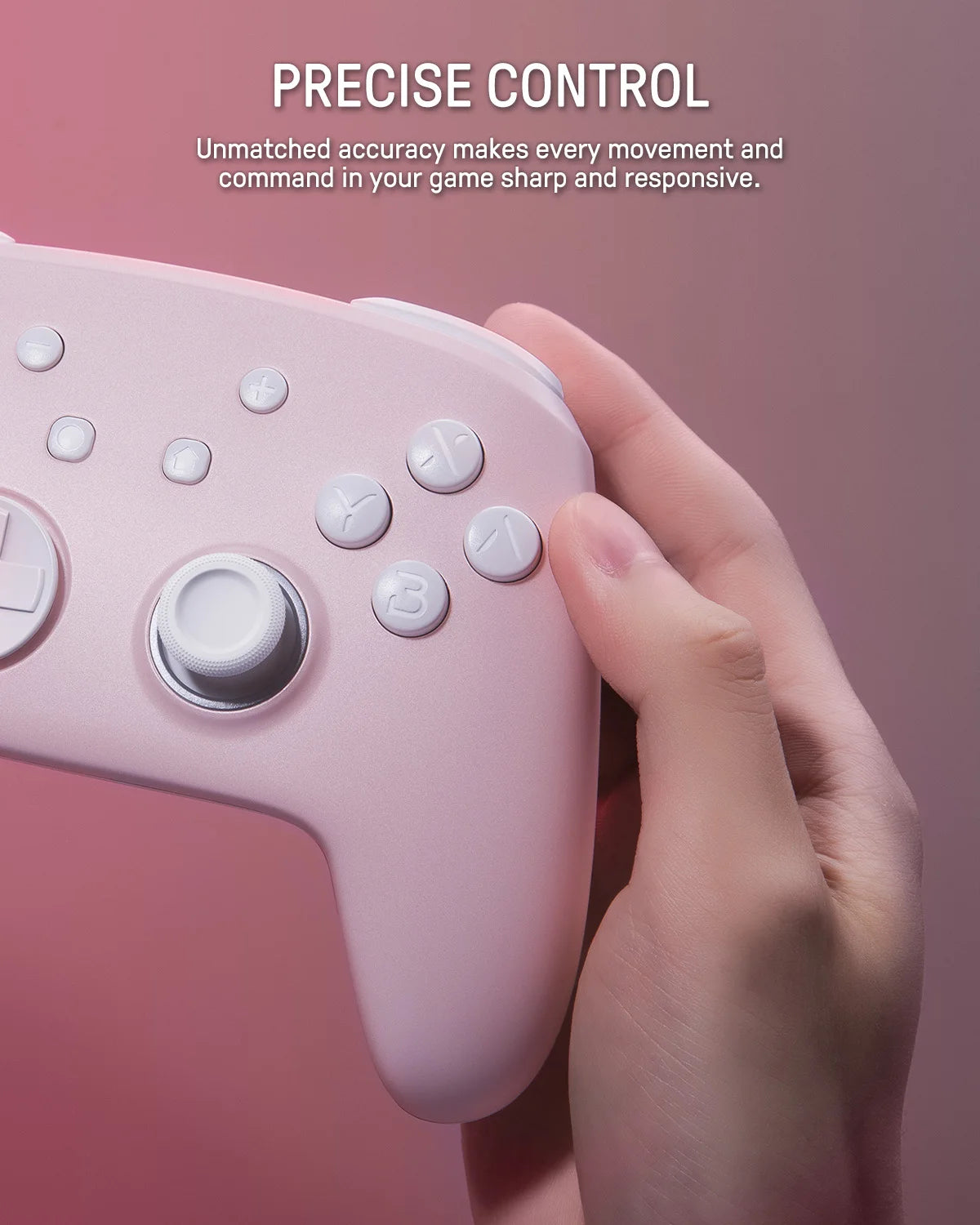
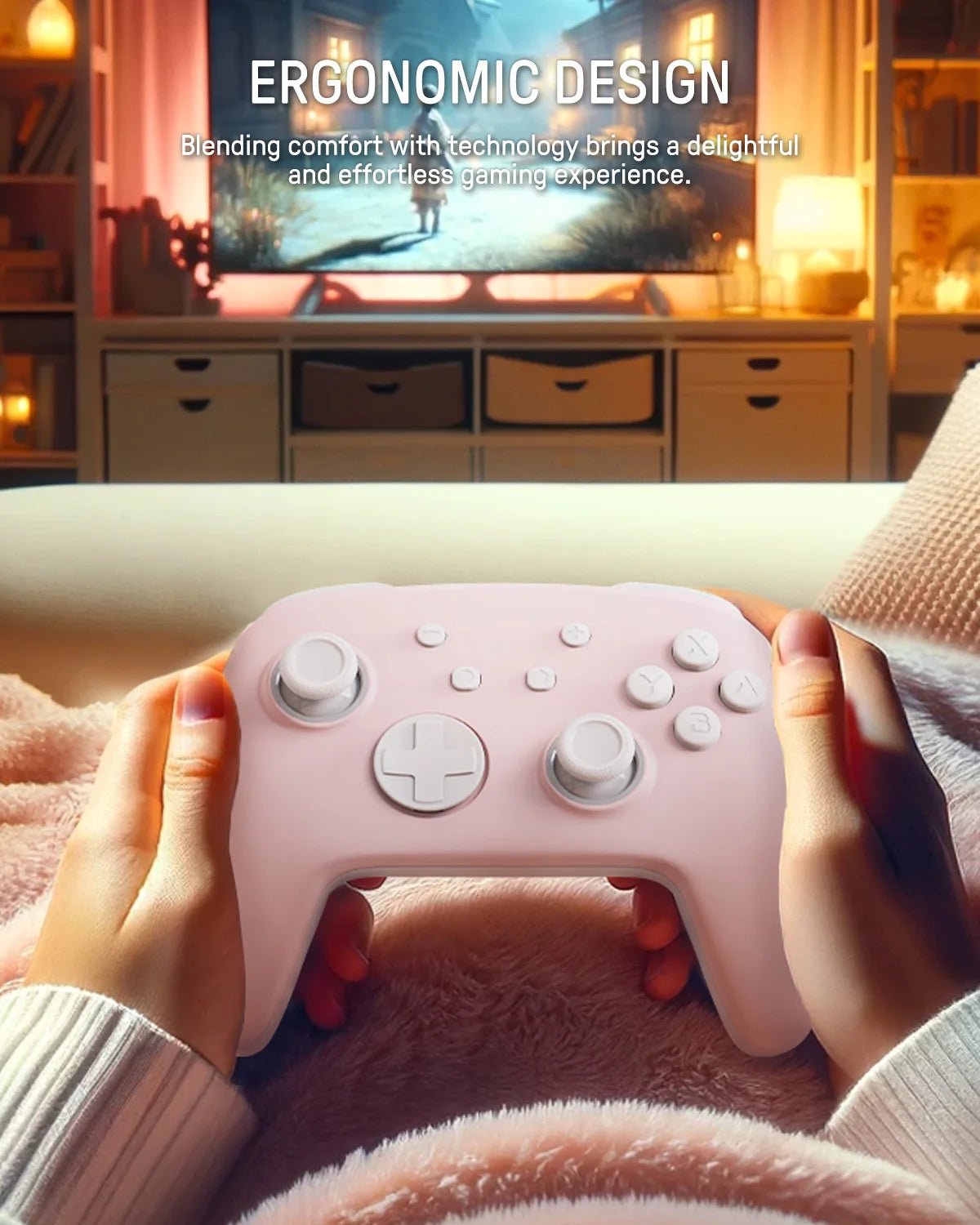
Description

SPECIFICATIONS
ABXY Switch Type: Tactile switch
Battery Included: Yes
Certification: CE
Compatible Brand/Model: Nintendo
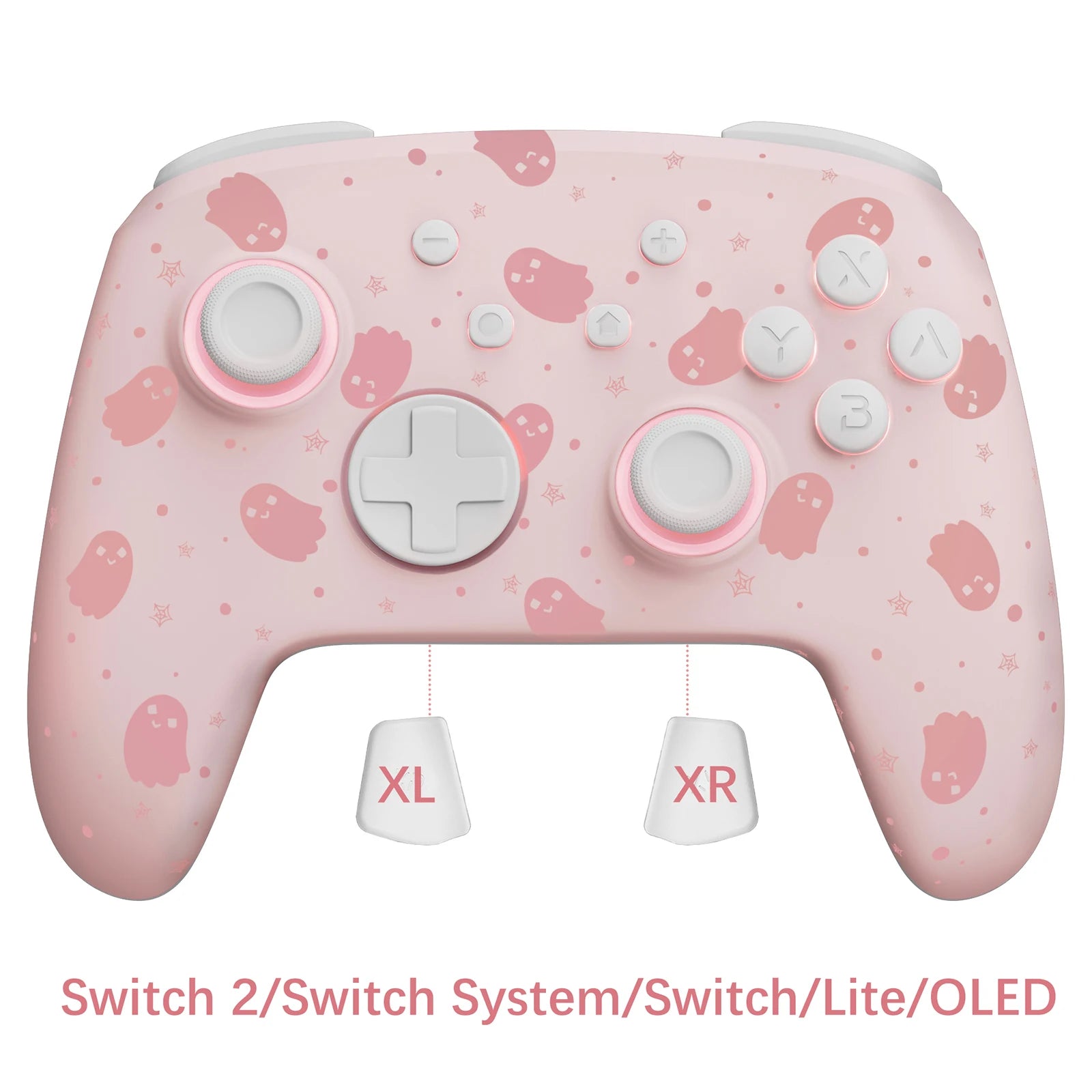
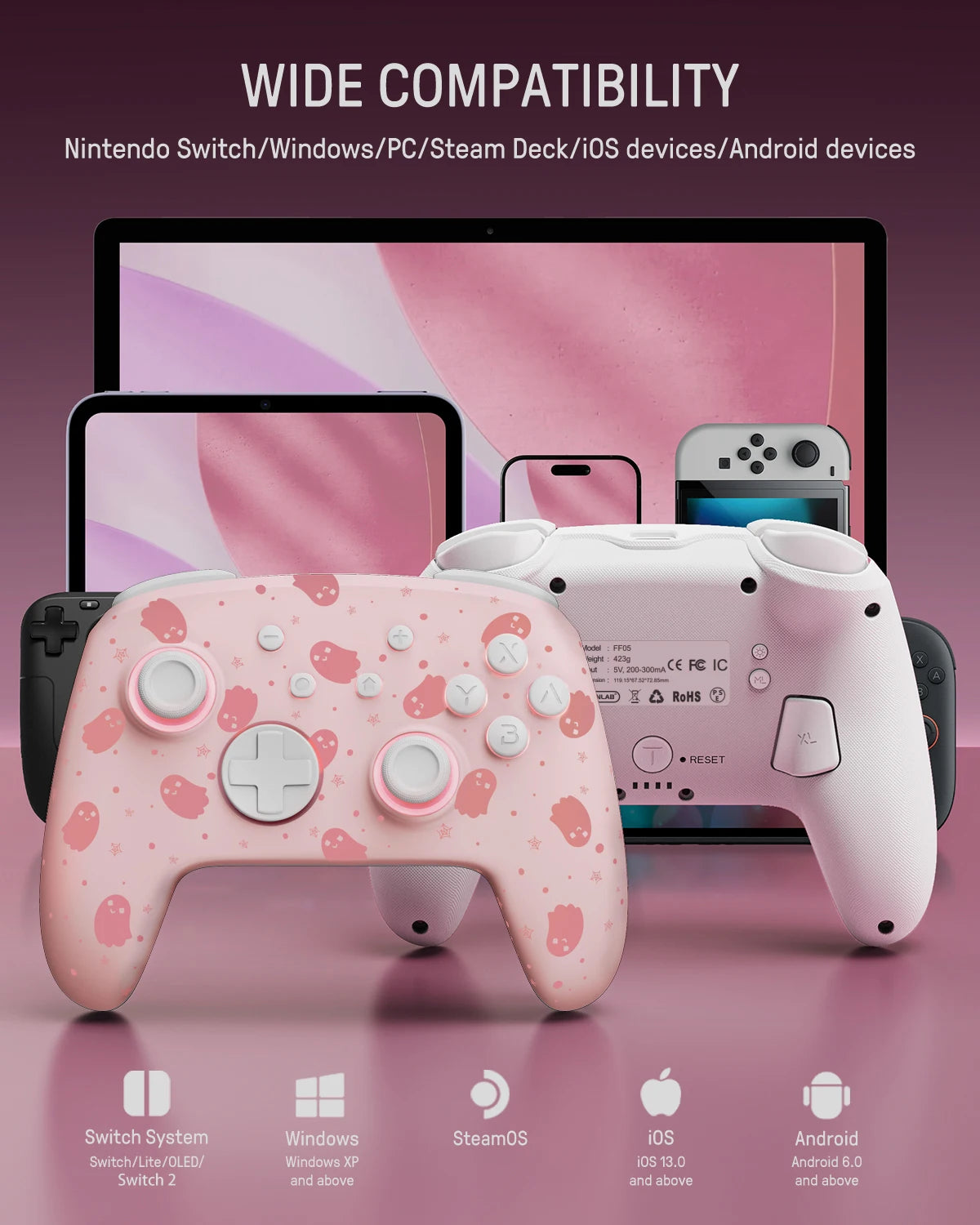
Compatible Nintendo Model: Nintendo Switch 2,Nintendo Switch,Nintendo Switch OLED,Nintendo Switch Lite
Compatible Platform: Nintendo Switch,Nintendo Switch 2,PC,iOS
Hall Effect: Yes
High-concerned chemical: None
Joystick Sensor Module Brand/Type: POLYSHINE
Model Number: FF01
Package: Yes
Trigger Button Type: Non-Linear
Type: Gamepads
Wear-resistant joysticks: No
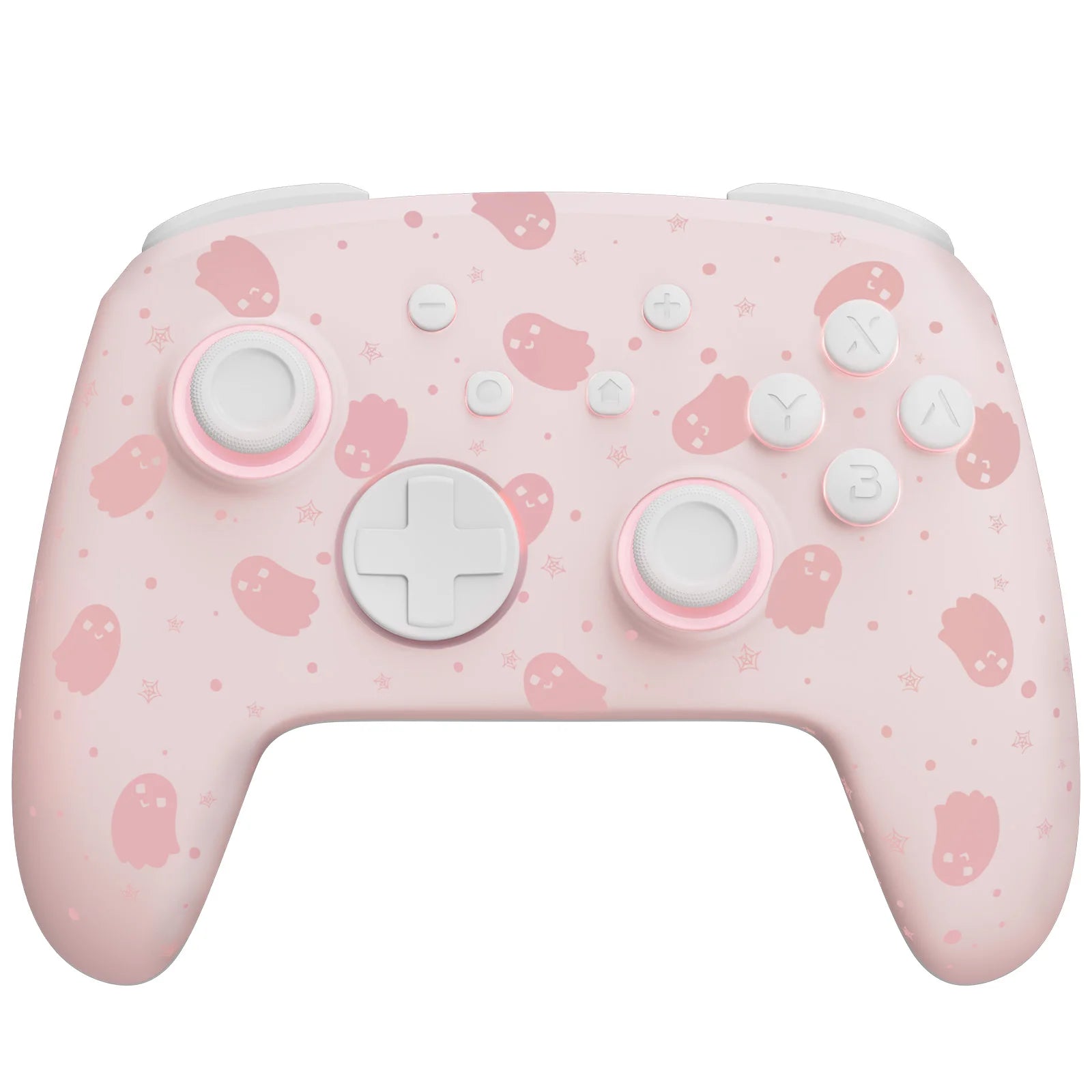
FUNLAB For Halloween - Ghost Pink Luminous Pattern Firefly Pro Wireless Controller With 7 LED Colors/Turbo For Nintendo Switch
About this item
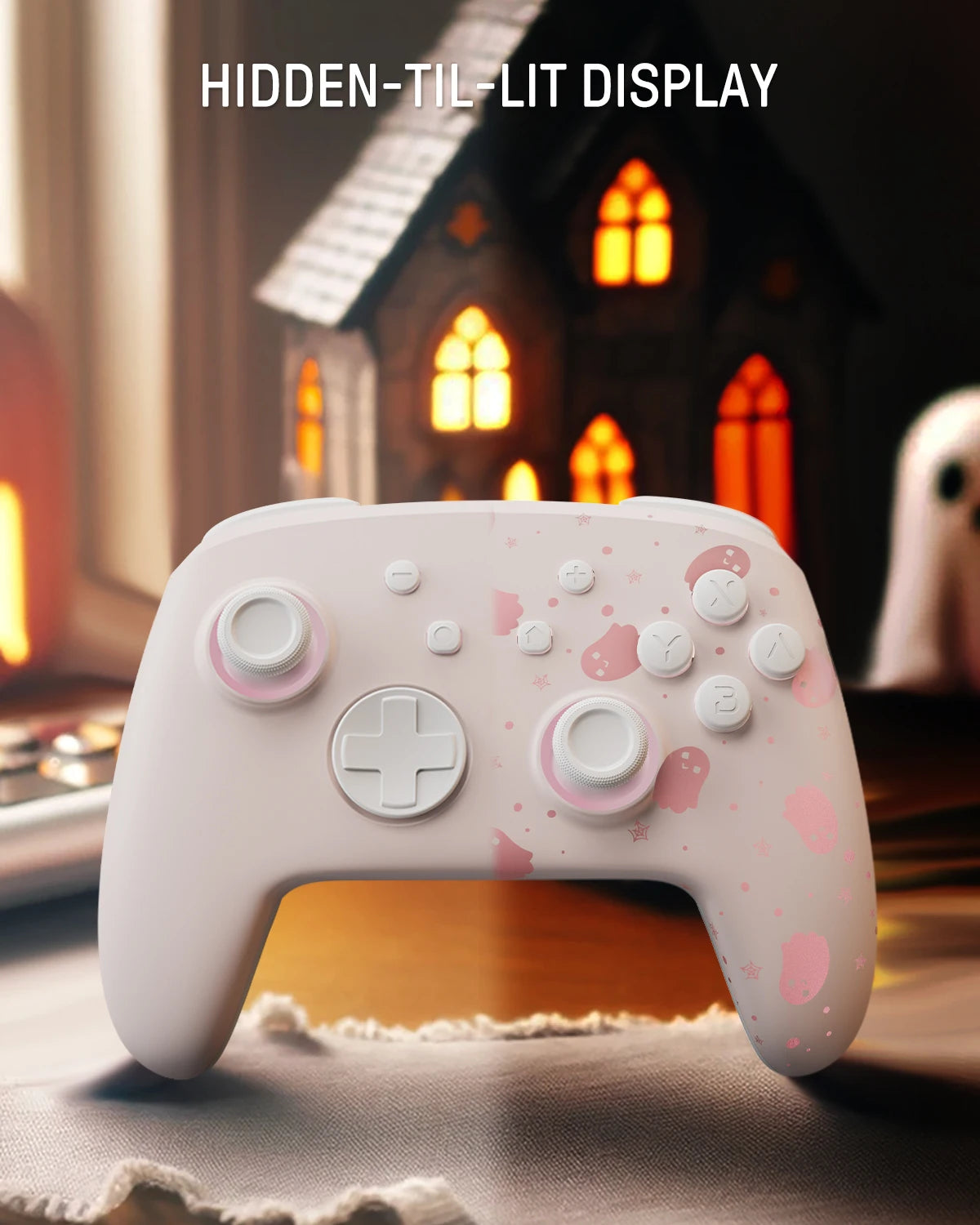
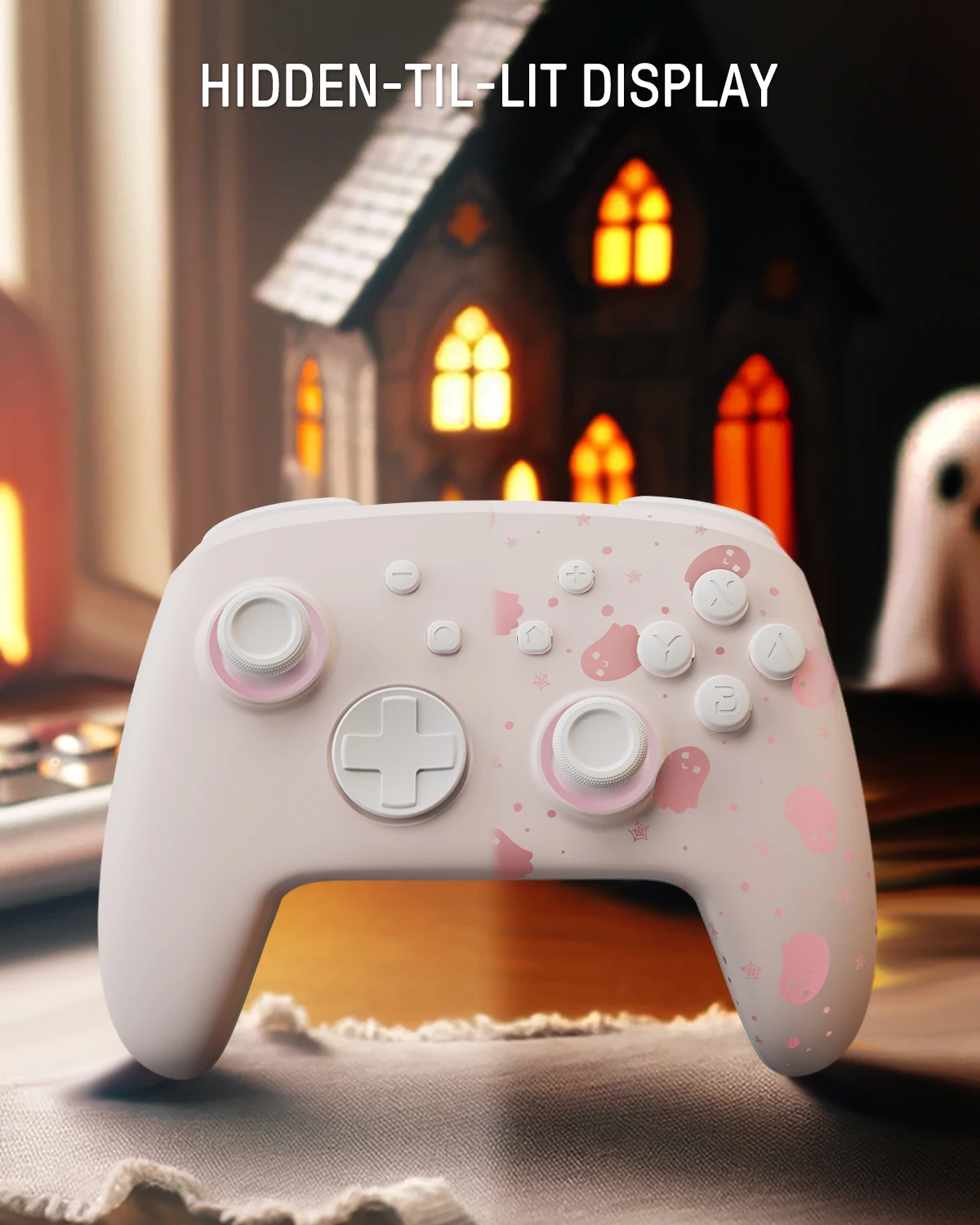
Hidden-til-lit Display: It is one of our solutions to achieve this enhanced gaming experience. The surface decoration of controller design is seamlessly harmonized with lighting effects. When the LED is not active, it lies quietly as a pure black controller. And when it turns on, the hidden pattern will light up your amazing gaming night.
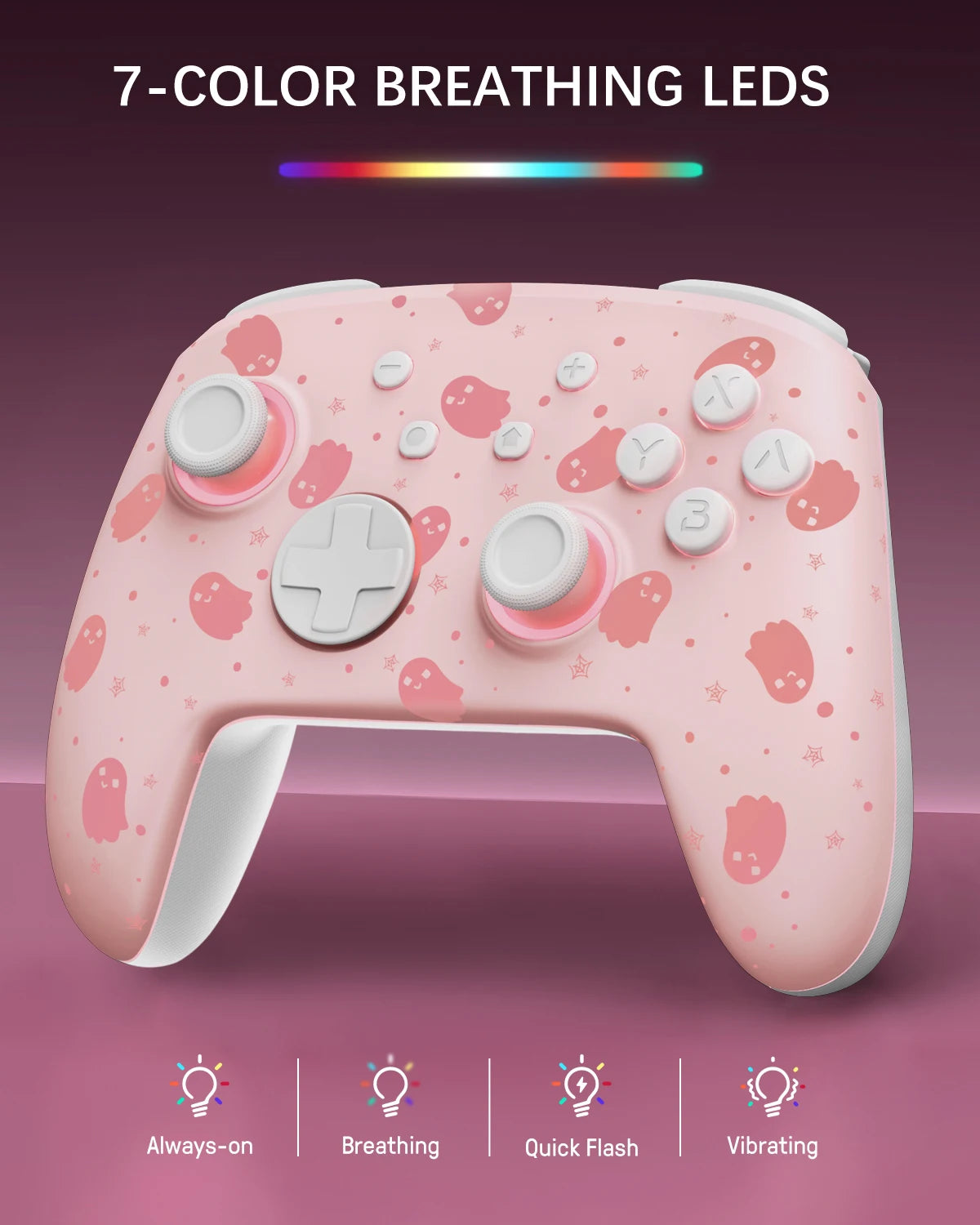
Polychrome Breathing LED: 7 LED Colors will change with the order: red, yellow, blue, green, purple, orange, pink. 4 lighting modes of the switch turbo controller: breathing light mode, quick flash mode, vibration lighting mode, and always-on mode.
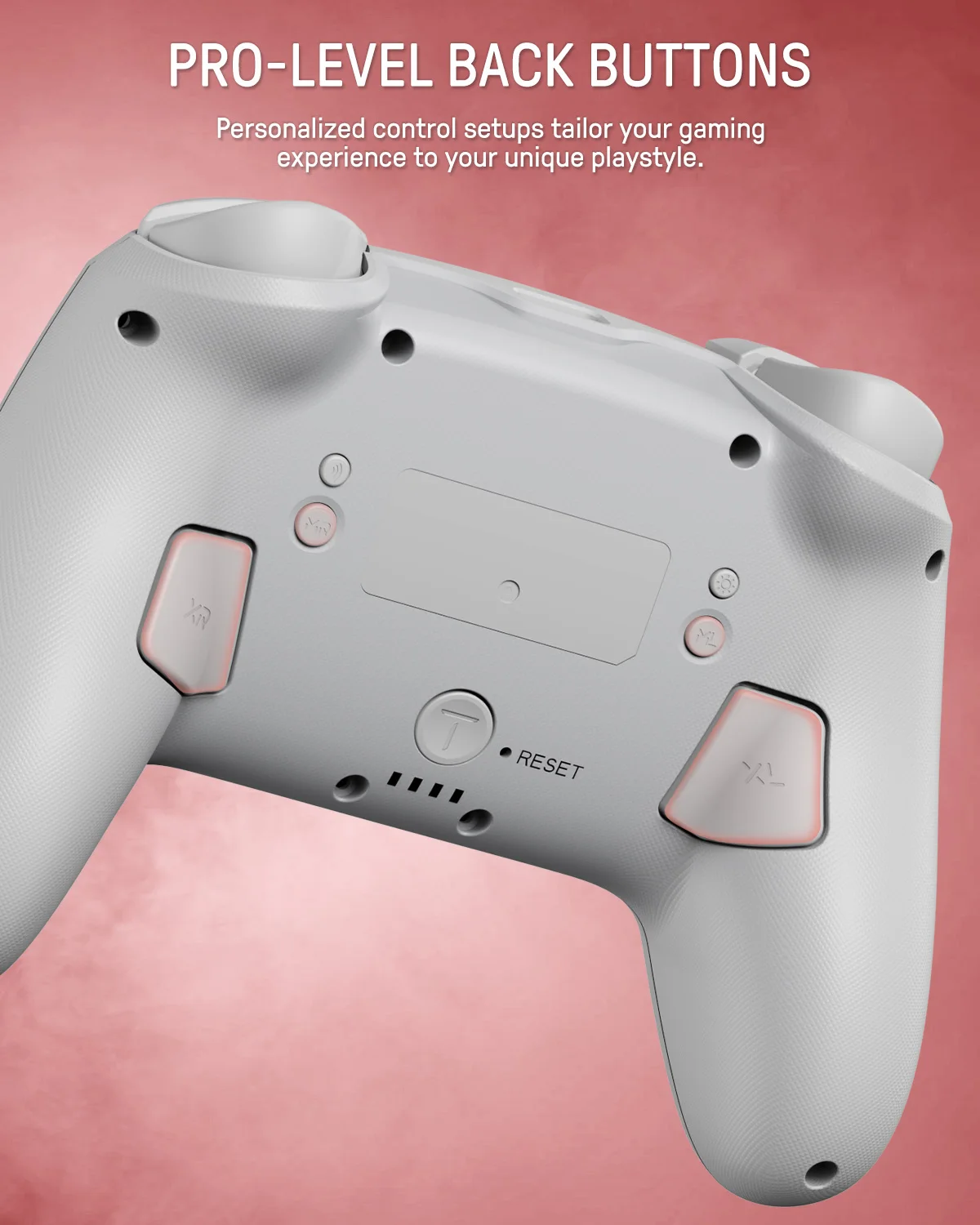
Back Paddle Buttons: Our enhanced wireless switch controller can edit and define some buttons you want and enhance the gaming experience and meet the needs of hardcore competitive players.
Sensing Motion & Turbo Function: FUNLAB switch pro controller is equipped with precise motion control and turbo function which supports continuous launch, suitable for various kinds of games such as shooting-game, flying-game, etc.
Battery Life: The rechargeable switch remote controller is built-in 3.7V/950mAH Lithium battery, and it can last up to 12.5 hours after being fully charged(turn lights off). Long endurance brings players uninterrupted gaming experience.


Turbo Function Instruction
Press and hold “T” Button + one of the Function Button (A/B/X/Y/L/R/ZL/ZR/D-pad Button).
1st: Manual TURBO Function (Press and hold to launch continuously).
2st: Automatic TURBO Function (Automatically continuous launch).
3st: Clear TURBO Function.
Mapping Control Instruction
Press and hold “MR” Button, then input the single button (A/B/X/Y/L/R/ZL/ZR/+/-/D-pad Button and L/R joysticks) you want to map;The controller will have the vibration cue after loosing “MR” Button, and then press “XR” Button to trigger Programmable Buttons.The mapping function can also be achieved by using the ML Button as described above.


Cart

Your cart is currently empty.


Premium keyboards, mice, smartwatches & game controllers for your digital lifestyle.
